Seniors who use the internet daily face obstacles that are rarely addressed in general guides: accessibility settings, balancing between digital health tools and the right to refuse, or choosing appropriate support for online procedures. Improving the daily lives of seniors online involves precise technical adjustments and informed decisions about available services.
Accessibility settings on tablets and computers for seniors
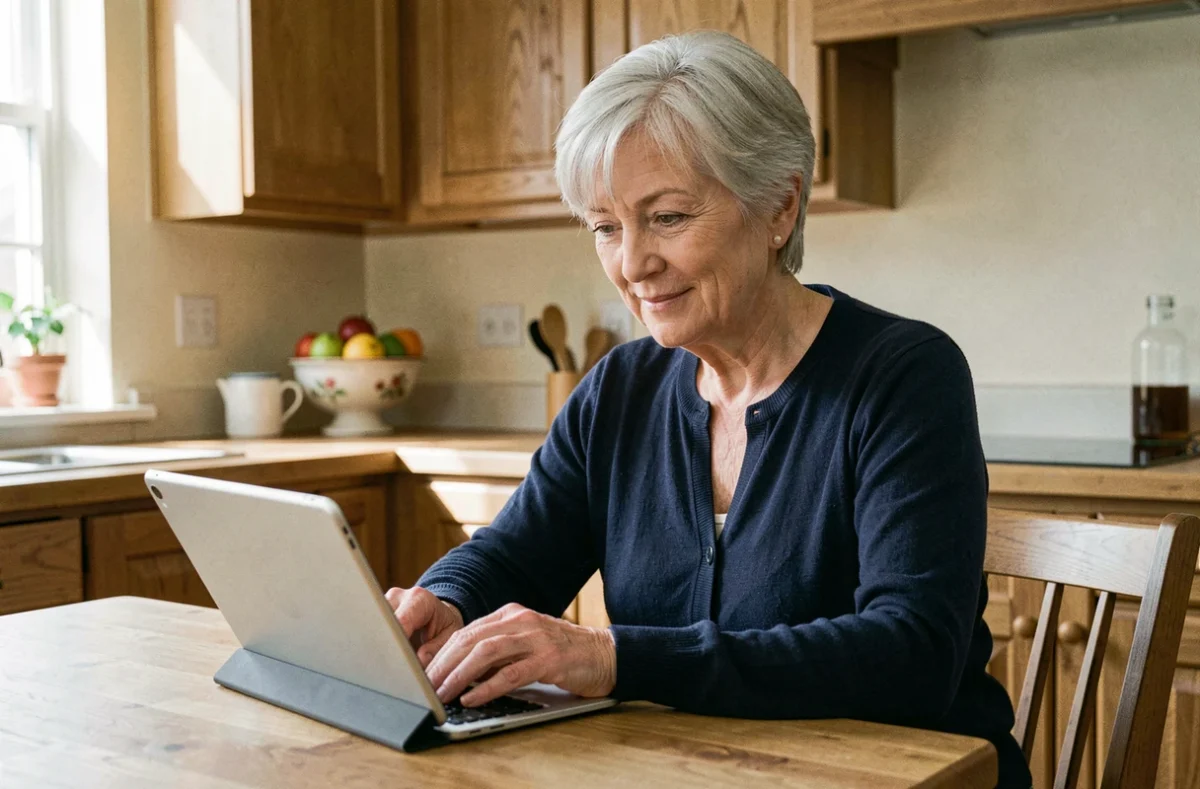
Most operating systems include underutilized accessibility features. On both Android and iOS, adjusting the system font size changes the display across all applications, not just the browser. This setting can be found in the display settings, not in each individual application.
High contrast and dark mode reduce eye strain during prolonged sessions. On Windows, the built-in magnifier (Windows key + plus sign shortcut) offers progressive zoom without the need to install third-party software. On macOS, the “Text Hover” feature enlarges the word under the cursor in a floating box.
Voice assistants (Siri, Google Assistant) allow users to dictate a message, make a call, or perform a search without using a keyboard. We recommend setting up voice commands during the initial setup of the device, as it simplifies all subsequent interactions. Several resources centralize advice tailored to these uses, and the Avantage Seniors online site notably gathers practical information about daily life after retirement.
Digital health for seniors: useful tools and the right to refuse
Teleconsultation platforms, dematerialized health records, and treatment tracking applications are multiplying. Their promise: better medical follow-up at home. But the refusal of a digital health tool must not prevent access to care. CNP Protection sociale reminds us that digital devices do not replace the traditional care pathway and that each patient retains the right to request a physical appointment or paper support.
For seniors who wish to use these tools, connected pill dispensers and medication reminders via notifications remain the most concrete functions. The technical challenge lies in synchronization: ensuring that the chosen application transmits data to the treating physician via a secure protocol, rather than just a screenshot sent by messaging.
Criteria for choosing a health tracking application
- Compatibility with Mon Espace Santé (the national digital health record), which ensures that data is uploaded to the shared medical file
- Presence of a large font interface and a simplified mode, without nested menus at multiple levels
- Ability to disable non-medical notifications (advertisements, content suggestions) to avoid information overload
A senior who is not comfortable with these tools is under no obligation to adopt them. The added value exists only when the user masters the basic functionality.
Digital support: local associations rather than online tutorials
According to the 2025 Digital Barometer, cited by CNP Protection sociale, associations are the primary support location mentioned by those receiving assistance. France Services spaces and France Services digital advisors offer free support for online administrative procedures (taxes, Ameli, retirement). However, associative support covers a broader spectrum: learning videoconferencing, creating a secure email address, using online banking services.
The difference with a video tutorial is substantial. In-person support allows for resolving specific issues related to the senior’s device (tablet model, system version, Wi-Fi network configuration). A generic tutorial assumes a standard technical environment that rarely matches reality.
Identifying the right contact based on the need
- Administrative procedures (tax declaration, complementary retirement request): digital advisors at the town hall or in France Services spaces
- General learning (messaging, video calls, web navigation): local associative workshops, often free or at a symbolic price
- Technical issues (breakdown, network configuration, blocked update): technical support offered by certain libraries or community centers

Adapting connected housing and fall prevention
Hospitalizations related to falls among those aged 65 and older have increased between 2019 and 2024, according to data shared by Santé publique France. Adapting housing before an accident, rather than in reaction, radically changes the situation. The digital aspect of this adaptation remains underappreciated.
Connected motion detectors, coupled with an alert on a relative’s phone or a tele-assistance service, complement traditional physical adjustments (grab bars, automatic corridor lighting). The MaPrimeAdapt’ scheme requires the mandatory intervention of a project management assistant who assesses the housing and supports the project. This professional can also guide towards suitable home automation solutions based on the senior’s level of digital comfort.
Programmable connected lighting, activated by motion detection or voice command, reduces the risk of nighttime falls without requiring the manipulation of a switch. The cost of these devices has decreased in recent years, and some are compatible with housing adaptation aids.
Improving the daily lives of seniors online is not just about knowing how to navigate the internet. It relies on technical choices (accessibility, health tools), appropriate human support, and a reasoned integration of digital technology into housing. Acting proactively, before the loss of autonomy, remains the most effective strategy.